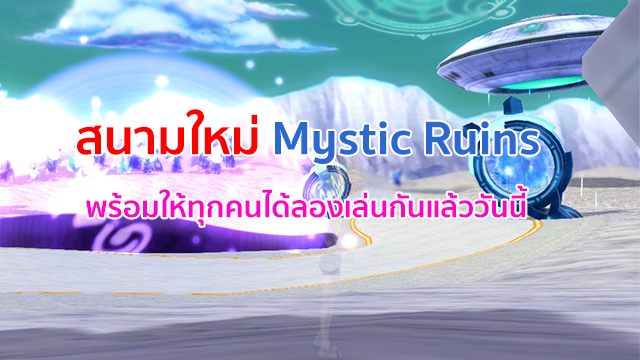
สนามใหม่ Mystic Ruins พร้อมให้ผู้เล่นทุกท่านสัมมผัสแล้ววันนี้
พร้อมกิจกรรมพิเศษ เมื่อเล่นเกมส์โหมด VS, Match สนามไหนก็ได้
มีโอกาสดรอป ลูกอมลึกลับ สามารถนำไปแลก UFO Mascot ได้ที่ Magic Box ในตัวเกมส์
Ensure you have the exact Fastboot/EDL ROM for your specific device model.
Ensure the Halabtech Tool is updated to the latest version, as Xiaomi frequently updates their security patches.
Check your USB cable and try a USB 2.0 port instead of 3.0.
How to Flash Xiaomi Devices with Locked Bootloader & No Auth via Halabtech Tool
Connect your device via USB. Ensure it shows up in (e.g., Qualcomm HS-USB QDLoader 9008 ).
Click on the or "Server/Local" button to point the tool to your extracted firmware folder.
Mystic Ruins
สนามใหม่ Mystic Ruins พร้อมให้ผู้เล่นทุกท่านสัมมผัสแล้ววันนี้
พร้อมกิจกรรมพิเศษ เมื่อเล่นเกมส์โหมด VS, Match สนามไหนก็ได้
มีโอกาสดรอป ลูกอมลึกลับ สามารถนำไปแลก UFO Mascot ได้ที่ Magic Box ในตัวเกมส์
ไอเท็ม "Carnation Extract" คืออะไร?
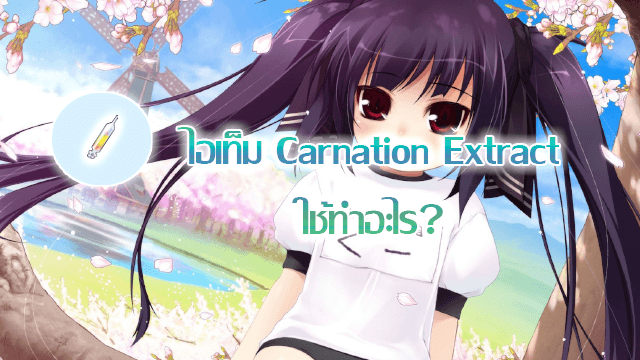
 เมื่อใช้เล่นกับ "Memorial Coin" จะได้รับแรร์ 100%
 และเหรียญตัวละคร (เมื่อใช้เหรียญตัวครจะได้เฉพาะละครนั้นๆ)
  มีตัวละคร Nell, Max, Nuri, Arin, Arthur, Kaz, Kooh
ผู้เล่นใหม่รับไอเท็มฟรีอย่างไร ?

ผู้เล่นใหม่รับไอเท็มฟรีอย่างไร ?
Ensure you have the exact Fastboot/EDL ROM for your specific device model.
Ensure the Halabtech Tool is updated to the latest version, as Xiaomi frequently updates their security patches.
Check your USB cable and try a USB 2.0 port instead of 3.0.
How to Flash Xiaomi Devices with Locked Bootloader & No Auth via Halabtech Tool
Connect your device via USB. Ensure it shows up in (e.g., Qualcomm HS-USB QDLoader 9008 ).
Click on the or "Server/Local" button to point the tool to your extracted firmware folder.
เพ้น ORB คืออะไร และเพิ่มอะไร?